Launch Hundreds of Campaigns Using CSV

Build your campaign structure once, apply it across accounts and variations, attach creatives, assign rules, and launch in bulk.
7-day free trial
No credit card needed
Launch Faster

Campaign Launching Shouldn't Slow Down Testing

Launch large campaign batches faster by reusing one setup across accounts, variations, creatives, and automation rules.
Define the Campaign Setup
Add campaign names, accounts, budgets, bids, targeting, URLs, tracking settings, and other launch details directly in your spreadsheet.
Duplicate What Works
Quickly create variations across campaigns, accounts, offers, angles, creatives, landing pages, and targeting combinations.
Attach Creatives
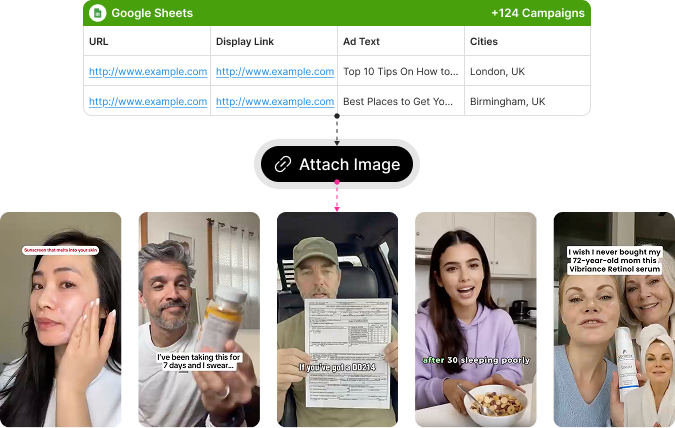
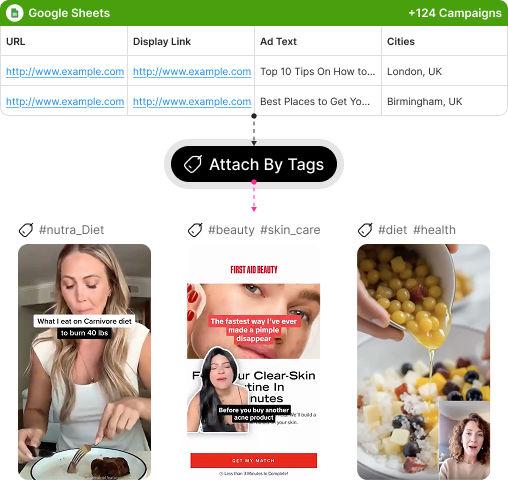
Use image links in the CSV or reference creative tags from TheOptimizer Creative Library to pull the right images into each campaign.
Add Automatic Rules
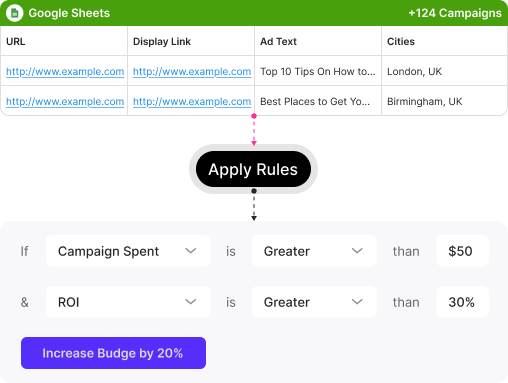
Attach optimization rules during setup, so every campaign can go live with the right guardrails already in place.
Review and Launch in Bulk
Check the campaign setup, fix anything that needs attention, and launch hundreds of campaigns from one workflow.

Built for Media Buyers Who Launch at Scale

The CSV Campaign Launcher is built for teams that need to test more ideas without spending the day doing repetitive setup work.

Build Campaigns From a Spreadsheet

Use a CSV file to define the campaign structure, settings, accounts, creatives, and rules before launch.
Build Campaigns From a Spreadsheet

Launch Across Multiple Accounts

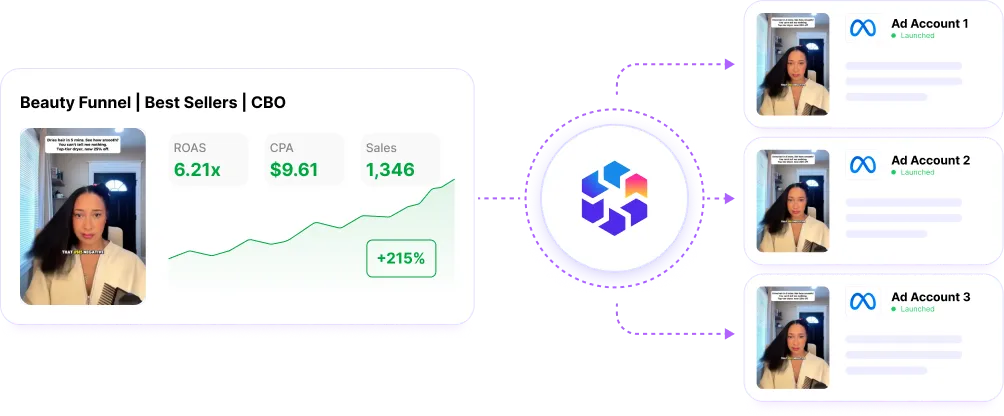
Prepare campaigns for different ad accounts in one file, then launch them through one organized workflow.
CRM and Sales systems

Create More Variations Faster

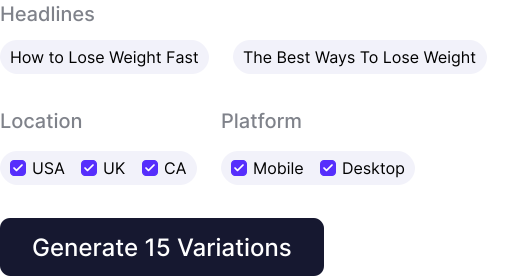
Duplicate campaign setups across offers, creatives, angles, landing pages, targeting options, and accounts without starting from zero.
Create More Variations Faster

Attach Images by URL

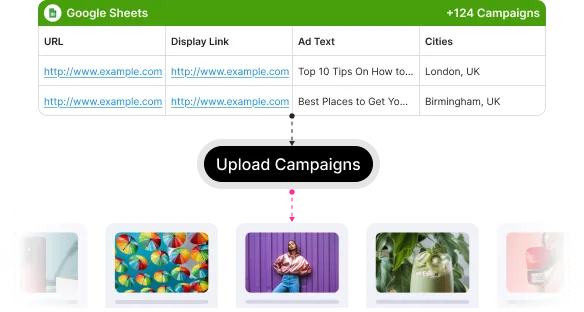
Add image links directly in your CSV so creatives can be attached without uploading each asset manually.
Attach Images by URL

Pull Creatives by Tag

Use Creative Library tags to automatically attach matching images to campaigns based on the tag name in your CSV.
Pull Creatives by Tag

Assign Automatic Rules

Apply automation rules during campaign creation, so new campaigns can start with spend controls, alerts, and optimization logic already attached.
Assign Automatic Rules
The CSV Campaign Launcher is built for teams that need to test more ideas without spending the day doing repetitive setup work.
You Need This!
TheOptimizer is a great tool that has helped me a lot in optimizing and scaling my native advertising campaigns. It is like having a team of media buyers being on top of my campaigns 24/7 blacklisting widgets, and optimizing my campaigns every minute. If you do native advertising you need this!
George Charalampakis
CodeFunnels - Agency
INTEGRATIONS

Your Entire Ad Stack in One Dashboard

We integrate with your favorite traffic sources, so you don’t have to login to each of them separately.
Explore All Integrations

Explore More Features

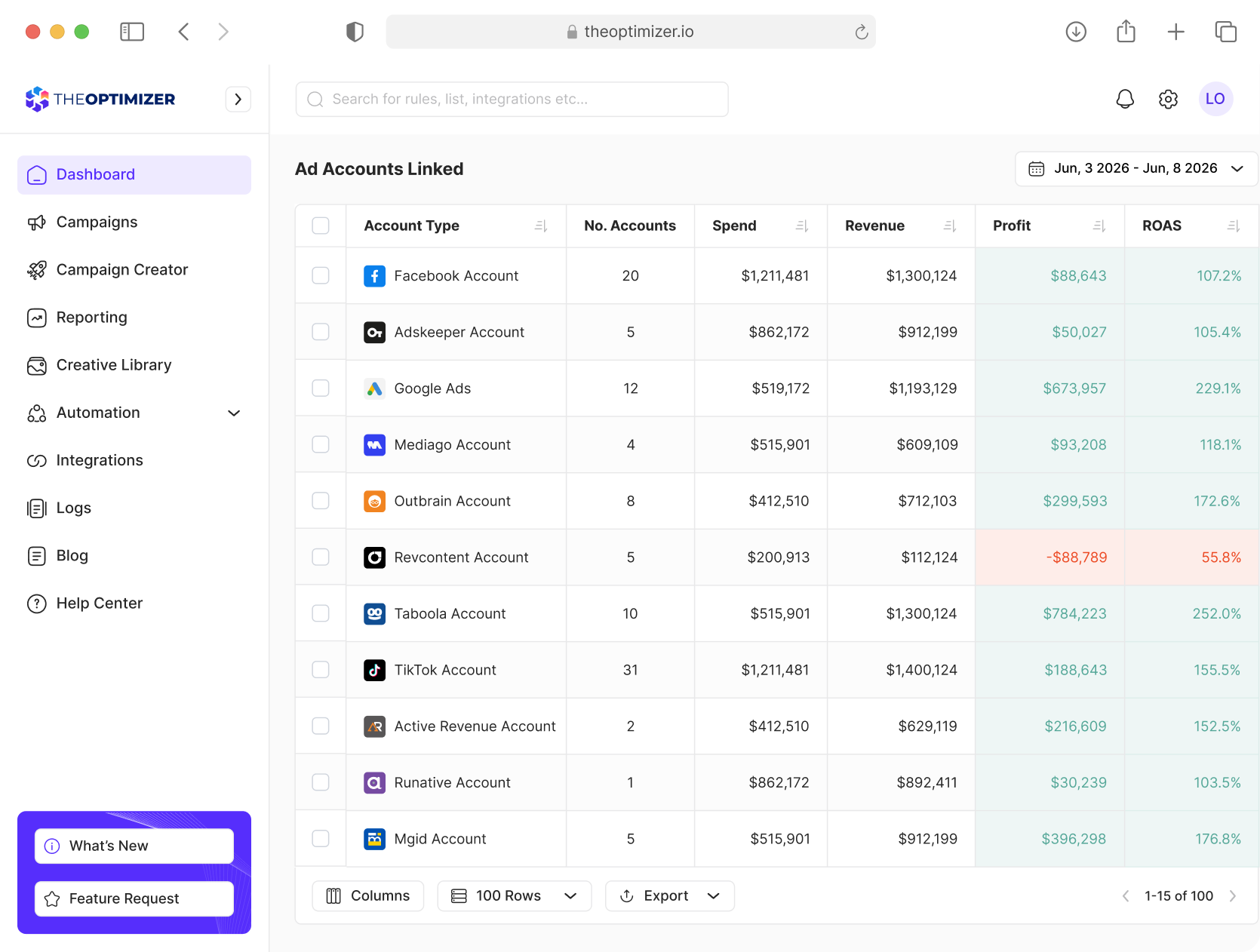
Manage your creative ad library and review all your campaign data, all under the same dashboard.

All Your Performance Insights in One Dashboard

See the full picture before you optimize. Combine media buying data with tracker, analytics, spreadsheet, or custom API metrics.
Analyze campaigns, ad sets, ads, creatives, publisher sites, accounts, networks, and tags
Create custom KPIs from ad network, tracker, or custom metrics
Compare current vs previous periods
Report across accounts, business managers, time zones, currencies, and tags
Get Started for Free